
Choose a power action
| Action | When to use it | Confirmation |
|---|---|---|
| Start | Bring an offline server online. | Your PIN and Start access. |
| Restart | Bring the same server back after an interruption. | Your PIN and Restart access. |
| Stop | Intentionally leave a server offline. | Your PIN. Staff requests also wait for root approval. |
Use the power buttons on the selected server. A forced stop can lose changes still in memory. It also needs root approval when requested by another user.
Confirm a restart
- Check who is online and whether a backup or restore is in progress. Notify affected players through your usual channel before a planned interruption.
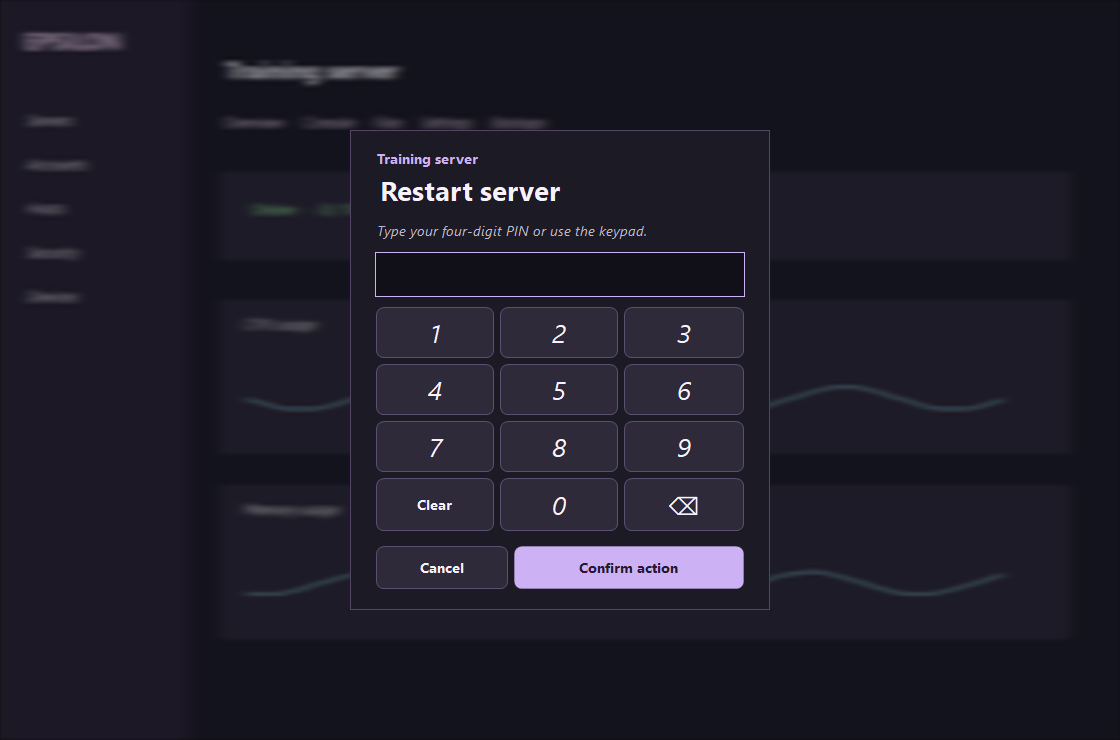
- Select Restart. Read the server and action at the top of the keypad. Type your four digits or click the number buttons. Use Backspace to correct an entry.
- Select Confirm action or press Enter with the PIN field focused. Escape or Cancel returns you to the panel. Follow progress in Console and verify that the server returns online.
Leave a server offline
Select Stop, confirm your PIN and keep the requesting panel open. The root superuser sees the server and operation in their Approvals queue. If it expires or is denied, check the reason before submitting another request.
On servers covered by automatic recovery, unexpected downtime is rechecked after 90 seconds before a start is attempted. An approved stop records the intent to stay offline. A later accepted Start or Restart clears that intent. Backups and restores have their own recovery handling.